



 Make us preferred on Google
Choosing a Cosmos Wallet
When choosing a Cosmos wallet, you may consider whether it supports the Cosmos ecosystem as a whole, or if it just supports selected blockchains. You may also consider its ease of use, multi-blockchain compatibility, and security features. The final choice will depend on your individual needs.
The wallets below are sorted into Cosmos-first wallets, followed by other popular multichain wallets that support Cosmos, and finally hardware wallets. The wallets in each category are listed in order of their websites' estimated monthly traffic according to Similarweb data.
Key Takeaways
-
Cosmos Wallets are wallet applications and devices that support the Cosmos token (ATOM) and other blockchain networks in the Cosmos ecosystem.
-
Cosmos provides infrastructures for blockchain interoperability. Networks built using its development kit inherit a high-performance design and are able to communicate with each other seamlessly.
-
Cosmos wallets enable users to store ATOM, manage assets from networks in the Cosmos Hub, and interact with decentralized applications deployed on these networks.
-
Top Cosmos wallets include Leap Wallet, Keplr Wallet, and Cosmostation, along with other established multichain wallets like Trust Wallet and Atomic Wallet.
Cosmos is an interoperability-focused blockchain solution powered by the IBC (inter-blockchain communication) technology. Cosmos is a network of independent, scalable, and interoperable blockchains that are built on open-source Cosmos technology available through a software development kit (SDK). Over 45 blockchain networks leverage Cosmos tool kits like the Cosmos SDK, IBC protocol, CometBFT, and CosmWasm. Networks in Cosmos’s Interchain ecosystem offer high-throughput platforms for building cost-efficient and agile decentralized applications with transaction fees as low as $0.01. Some notable blockchain networks in the Cosmos Hub include Akash Network, dYdX, Kava blockchain, and Mantra.
To properly interact with the Cosmos ecosystem and manage assets on the network, users need a wallet application or device that supports the network.
What Are Cosmos Wallets?
Cosmos wallets are software applications and hardware that support the Cosmos ecosystem and other assets in the network. While ATOM, the native token of the Cosmos network, is supported on multiple wallet applications, not all of these wallets may support the wider Cosmos ecosystem.
With full-suite Cosmos Wallets, users can interact with blockchains, DeFi applications, and manage assets within the Cosmos ecosystem. Below, we take a look at some of the wallets available for Cosmos. The wallets below are listed based on their compatibility with the Cosmos ecosystem and popularity.
Keplr: Popular Software Wallet for the Cosmos Ecosystem
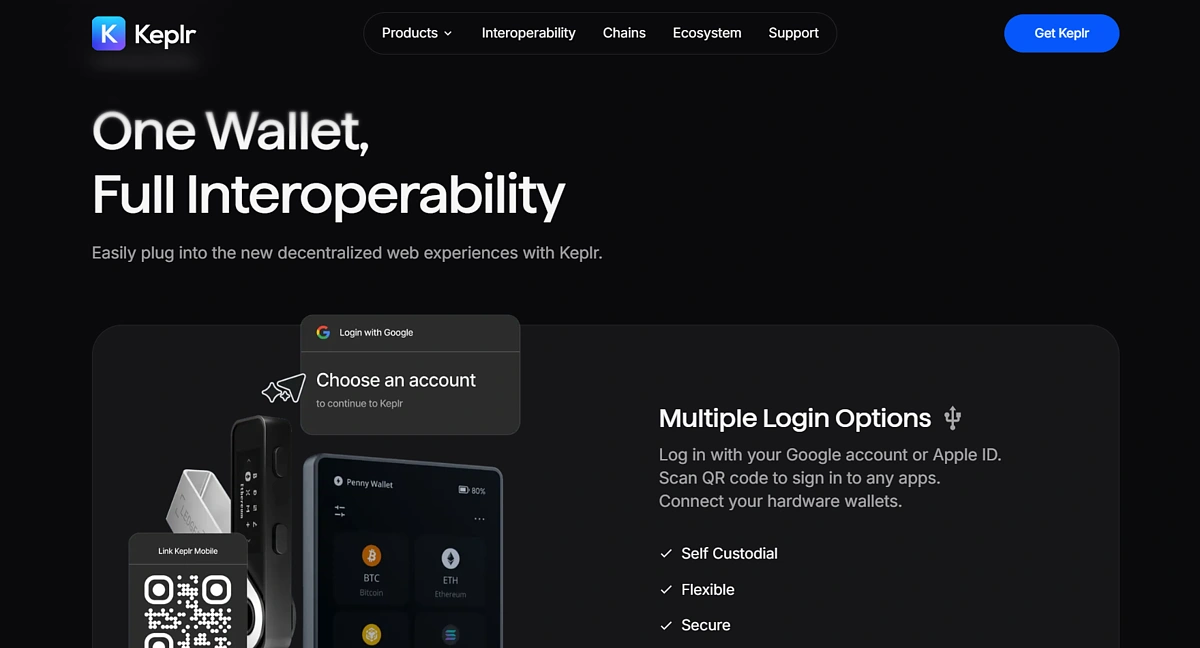
Keplr is a full-suite Cosmos wallet that supports networks in the Cosmos ecosystem. In addition to self-custody and management of assets in networks on Cosmos, Keplr allows users to connect to decentralized applications on these networks.
Keplr’s network support expands beyond the Cosmos ecosystem; it also supports EVM Layer 1 and Layer 2 networks including Arbitrum and Optimism. This allows users to easily manage assets across multiple chains in a single wallet. According to Keplr, it supports over 250 blockchain networks and serves over one million users monthly; of which about 250,000 Keplr wallet users interact with the Cosmos Hub.
Key features of the Keplr wallet include in-wallet DeFi facilities. This includes in-wallet staking, swaps, and fiat on-ramp to crypto. Keplr wallet users can stake their ATOM (and other tokens from networks in Cosmos Hub) directly via their wallets. Keplr offers over 15.8% APR for ATOM stakers. Through Keplr’s fiat on-ramp feature, users can purchase ATOM and other Cosmos tokens using their credit/debit cards. Keplr also supports NFTs on the Cosmos ecosystem and connects to governance portals to enable users to vote on proposals from their wallet interface.
Keplr is available for Android and iOS devices and can be downloaded in their respective app stores. Desktop users can install the Keplr browser extension for Chrome, Firefox, and Microsoft Edge.
Leap Wallet: Interchain Wallet With Comprehensive Dashboard to Manage Your Cosmos Tokens
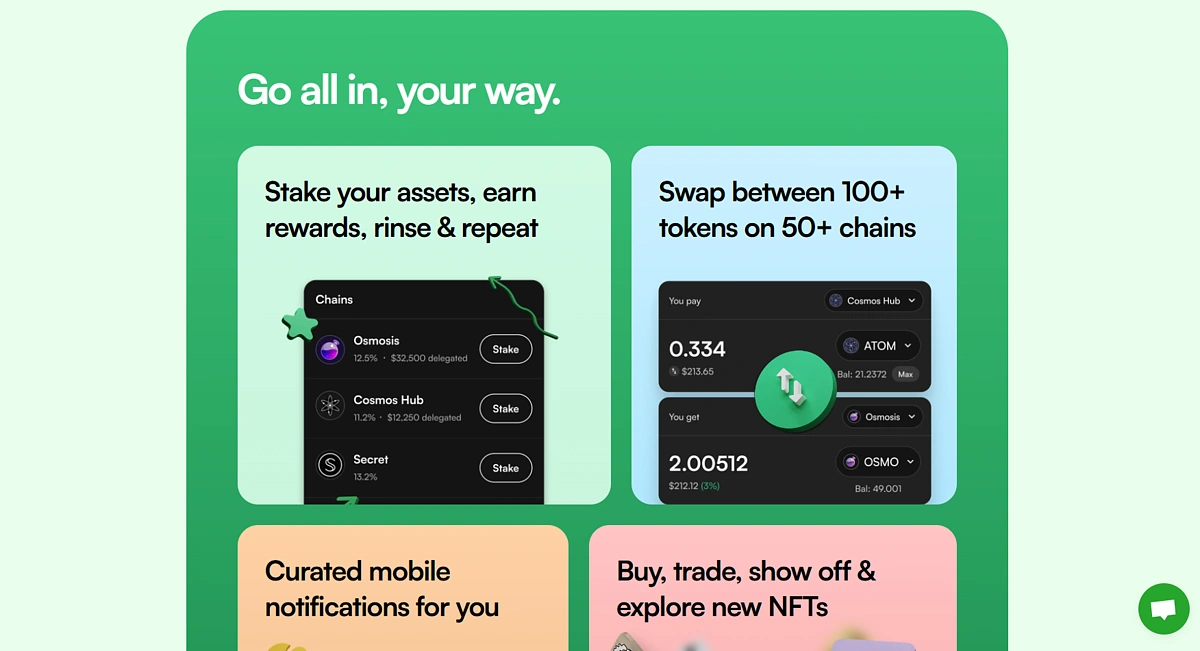
Leap is another popular full-suite interchain wallet for the Cosmos network. It supports over 70 networks and the Cosmos ecosystem, allowing users to explore a wide range of dApp chains. Leap Wallet is available as a wallet application for Android and iOS mobile devices and as a browser extension on Chrome, Edge, and Brave for desktop devices.
Leap Wallet allows users to store and manage their ATOM and other tokens from the Cosmos ecosystem. It also allows users to perform additional actions like staking and decentralized asset swaps from their wallet interface. Leap Wallet offers up to 15% APR for ATOM stakers at the time of writing. Leap Wallet’s portfolio also comes with a handy overview feature that lets users easily view all tokens across Cosmos chains, see all their active DeFi positions across multiple dApps and platforms, and even check eligibility and claim eligible airdrops.
The in-wallet swap portal allows users to exchange assets from over 50 blockchain networks. The Leap mobile wallet also has an integrated browser for accessing dApps. Leap Wallet also supports NFTs, with a special display section for NFTs that enables users to easily showcase and manage their NFTs.
Cosmostation: Open-Source Wallet for Cosmos Blockchains With Multichain Support
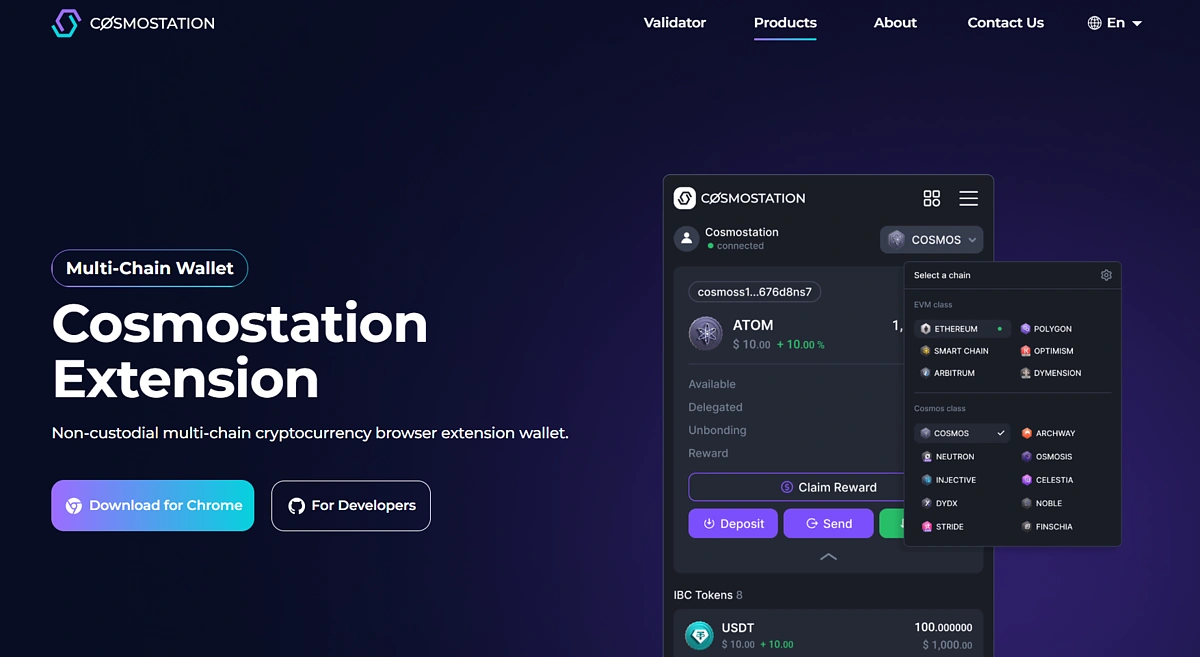
Cosmostation is an open-source self-custody wallet application. It is a native Cosmos wallet with full support for IBC networks; beyond IBC networks, Cosmostation also supports Bitcoin, Aptos, Sui, and EVM networks. With its multichain functionality, users can easily manage their assets from multiple popular blockchains with the same wallet. Cosmostation’s in-wallet swap feature allows users to swap assets between supported networks, enabling users to even conduct swaps between assets on Cosmos Hub and Ethereum.
Cosmostation also features a staking portal where users can stake their ATOM with a validator of their choice by delegating their tokens – this option is also available for SUI. In this case, delegators will receive a part of their chosen validator’s revenue in exchange. Users can also access project governance portals and vote on proposals from the wallet interface. The wallet is available as an application for Android and iOS devices and can be downloaded in their respective app stores. Desktop users can install the Cosmostation browser extension for Chrome.
Trust Wallet: Most Popular Multichain Wallet for Storing ATOM and Other Cosmos Ecosystem Tokens
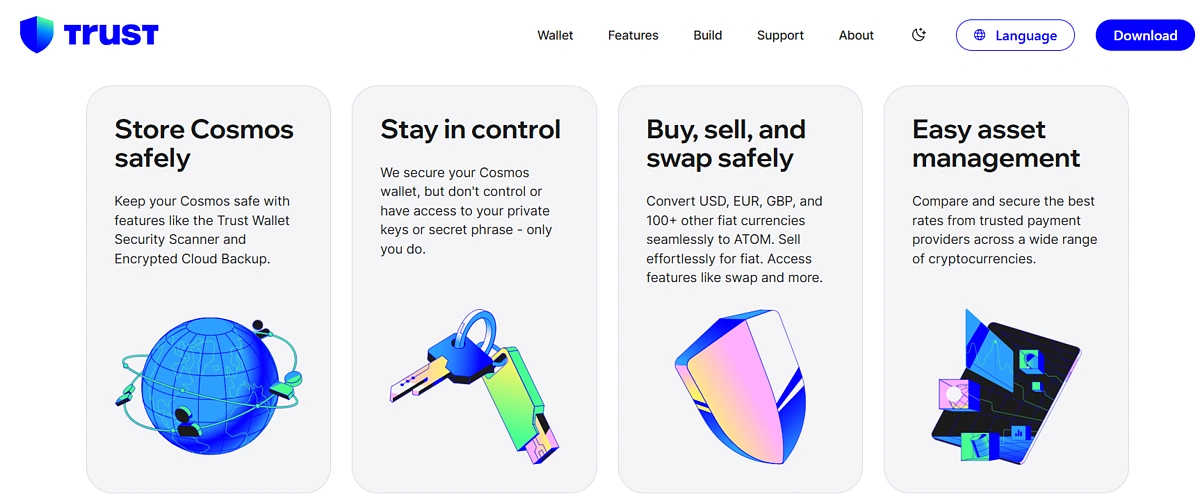
Trust Wallet was launched in 2018 as an ERC-20 wallet but has since expanded its support to over 50 blockchain networks and assets. It is a software wallet application that allows users to store and manage their ATOM. It also supports selected Cosmos Hub networks like ZetaChain and Kava, where users can manage the native tokens of supported networks from their Trust Wallet. Trust Wallet’s in-wallet staking portal supports ATOM, where users can stake their tokens without visiting the official staking portal. ATOM staking APR is over 15% at the time of writing.
Other features of Trust Wallet available to the Cosmos community include in-wallet swaps and fiat on-ramp. The swap feature supports cross-chain swaps, allowing users to exchange tokens across networks. Through on-ramp trading, Trust Wallet users can purchase ATOM using their credit/debit cards.
However, Trust Wallet doesn’t fully support the Cosmos ecosystem at the time of writing; several networks in the Cosmos ecosystem are not available in the wallet and connection to decentralized applications on these networks may be unavailable.
Trust Wallet is available for Android and iOS devices and can be downloaded in their respective app stores. Desktop users can install the Trust Wallet browser extension for Chrome, Firefox, and Microsoft Edge.
Atomic Wallet: Multichain wallet for Storing ATOM and Other Tokens
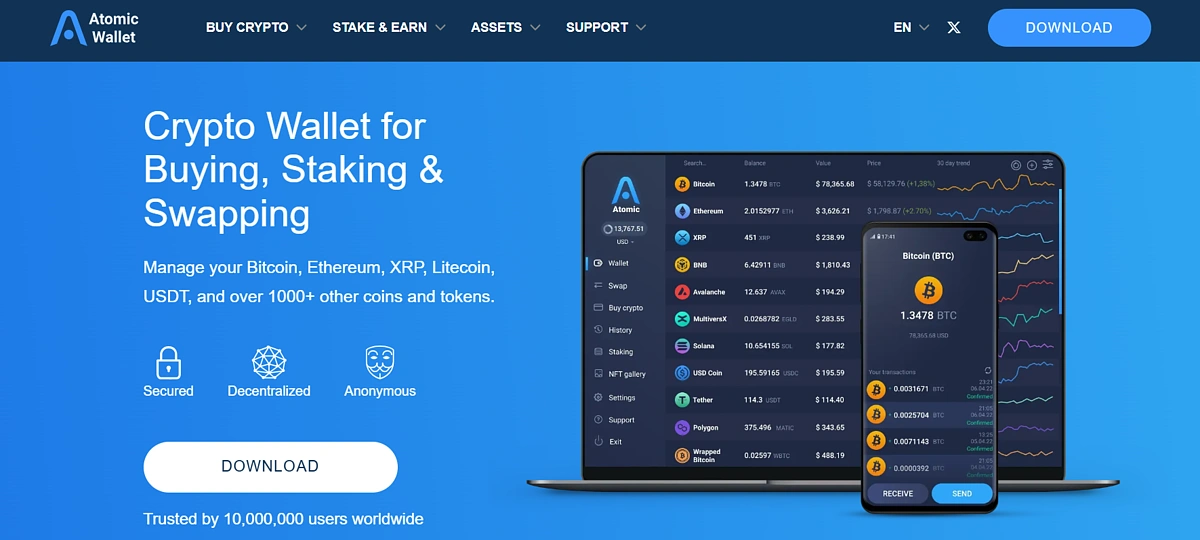
Atomic Wallet supports over 1000 crypto assets from over 50 blockchain networks including Bitcoin, Ethereum, and Cosmos. It enables users to store and manage ATOM and selected tokens from the Cosmos Hub like KAVA. Atomic Wallet offers several features which are available to Cosmos holders, including:
-
In-wallet staking: Atomic Wallet’s staking portal supports ATOM and offers over 16% APR.
-
Fiat on-ramp: Enables users to purchase ATOM and over 300 crypto assets using their credit/debit cards.
-
In-wallet swaps: Users can swap between assets supported on the wallet, including ATOM.
Atomic Wallet does not fully support the Cosmos Hub, therefore several networks on the Hub are not available on the wallet. Web3 connectivity is also unavailable; users cannot connect to decentralized applications through Atomic Wallet. Atomic Wallet is available as an application for Android and iOS devices and can be downloaded in their respective app stores, along with an APK option. There is a Chrome browser extension available, and it is also available as an application on Windows, MacOS, Debian, Ubuntu, and Fedora.
Bonus: MetaMask Cosmos Snaps
MetaMask Cosmos Snaps are also available and can be installed from the MetaMask Snaps directory or directly from the wallet developers. Leap Wallet and MysticLabs have developed Cosmos wallet Snaps, both of which can be installed from the directory. MetaMask Snaps are third-party, permissioned applications that leverage MetaMask Wallet infrastructure. They include wallets, security apps, and other utility applications.
MetaMask Cosmos wallet Snaps are handy for users who wish to interact with Cosmos via their MetaMask wallet without needing to manage a new set of seed phrases and passwords. The Leap Cosmos Wallet Snap allows users to transact, swap, bridge, and stake by using their MetaMask wallet, and the extensive support of Leap for the Cosmos ecosystem also makes it easy for users to connect to dApps within Cosmos.
Hardware Cosmos Wallets
Hardware wallets are considered the most secure medium for storing crypto assets, especially for users who intend to hold their assets for the long term. The Cosmos ecosystem is supported on hardware wallets like;
Ledger: Popular Hardware Wallet for Storing ATOM and Selected Cosmos Tokens With Multichain Support
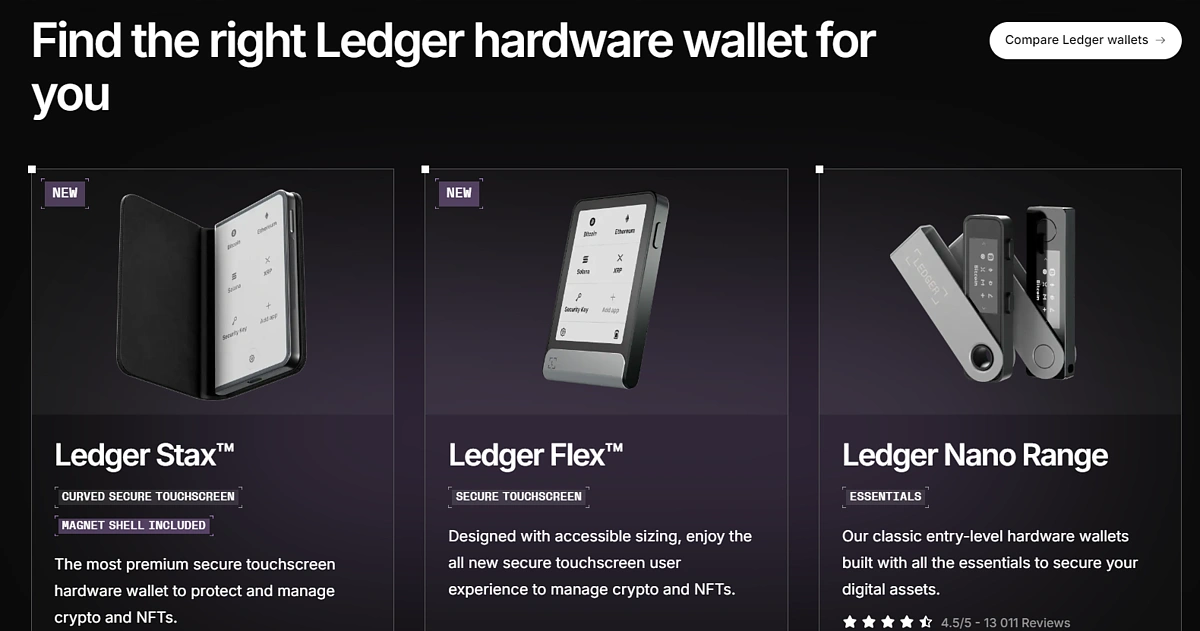
Ledger offers cold storage wallets for crypto assets, where Ledger wallets offer top security of crypto assets through the offline storage of wallet keys. Ledger supports over 5,000 crypto assets including ATOM and selected tokens from the Cosmos ecosystem.
Ledger is also supported on Keplr wallet and other native Cosmos Hub wallets. Through these third-party wallets, users can explore more of the Cosmos ecosystem with their Ledger wallet. Alternatively, users can also opt to use the Ledger Live application for activities like staking and swapping.
Ledger Wallets cost anywhere between $80 to $400. However, note that Ledger doesn’t have full support for the Cosmos ecosystem; many IBC networks and their assets are not supported on Ledger yet.
Keystone: Open-Source Hardware Wallet for Storing ATOM
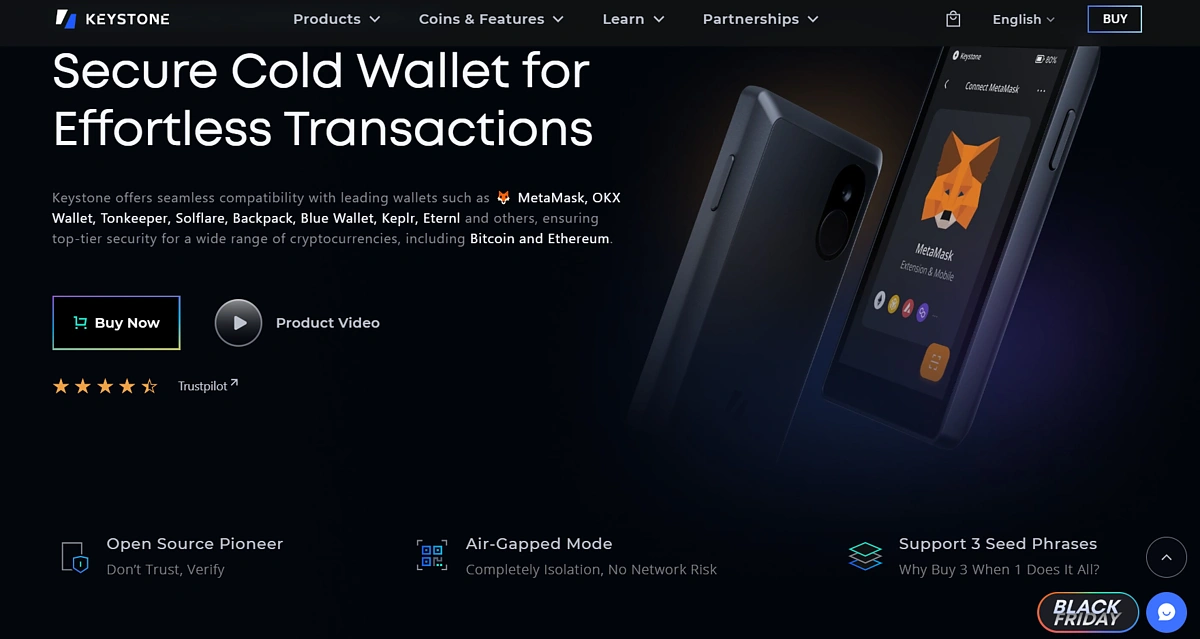
The Keystone wallet was launched in 2018. It is an open-source, air-gapped cold storage device for crypto assets. It supports 5,000 crypto assets from over 200 blockchain networks, including Cosmos network, and also offers a BTC-only version of its wallet.
ATOM holders can store their tokens safely with the Keystone wallet, which is integrated with several software wallet applications, including Keplr. The Keplr wallet integration enables users to explore the Cosmos ecosystem and manage their Cosmos assets by linking their Keystone to Keplr’s web extension application. Through this, users enjoy the convenience and accessibility of a hot wallet, along with the security of a cold wallet.
The Keystone 3 Pro retails for $149, although there are also co-branded and NFT customized options available.
Comparing Top Cosmos Wallets
Here’s a quick overview of how the above Cosmos wallets stack up against each other:
|
|
Keplr |
Leap |
Cosmostation |
Trust Wallet |
Atomic Wallet |
Ledger |
Keystone |
|
Mobile App |
Yes |
Yes |
Yes |
Yes |
Yes |
Yes |
No |
|
Browser Extension |
Yes |
Yes |
Yes |
Yes |
Yes |
No |
No |
|
Additional Features |
Staking Swaps Fiat on-ramp dApp browser (for mobile app) |
Staking dApp browser Swaps Fiat on-ramp |
Staking dApp browser Swaps
|
Staking Swaps Fiat on-ramp dApp browser (for mobile app) |
Fiat on-ramp Staking |
Fiat on-ramp Staking Third-party wallet compatibility |
Staking Third-party wallet compatibility |
|
Open Source |
No |
Yes |
Yes |
No |
No |
No |
Yes |
|
Audited |
Yes |
Yes |
Yes |
Yes |
Yes |
Yes |
Yes |
|
Price |
Free |
Free |
Free |
Free |
Free |
$80 to $400 |
$149 |
Final Thoughts
Recent developments in the blockchain space hint at a future where autonomous blockchain networks communicate with each other, instead of a giant network with infinite support for decentralized applications. Cosmos’ IBC technology is a major contributor to blockchain interoperability, enabling the creation of both app-specific and general purpose blockchains.
Several networks on the Cosmos Hub have seen significant adoption; networks like dYdX, Akash, and Celestia have grown in popularity, with areas of focus ranging from DEXs to data availability. To explore the Cosmos ecosystem, you’ll need a Cosmos wallet for asset management and network interaction, and it’s important to choose one that matches your needs and preferences.
This article only reviews the capabilities of Cosmos wallets for informational and educational purposes, and should not be taken as financial or investment advice. Always do your own research before choosing any wallet.










 Or check it out in the app stores



