Crypto Data, Right in Your Terminal
Crypto Data, Right in Your Terminal
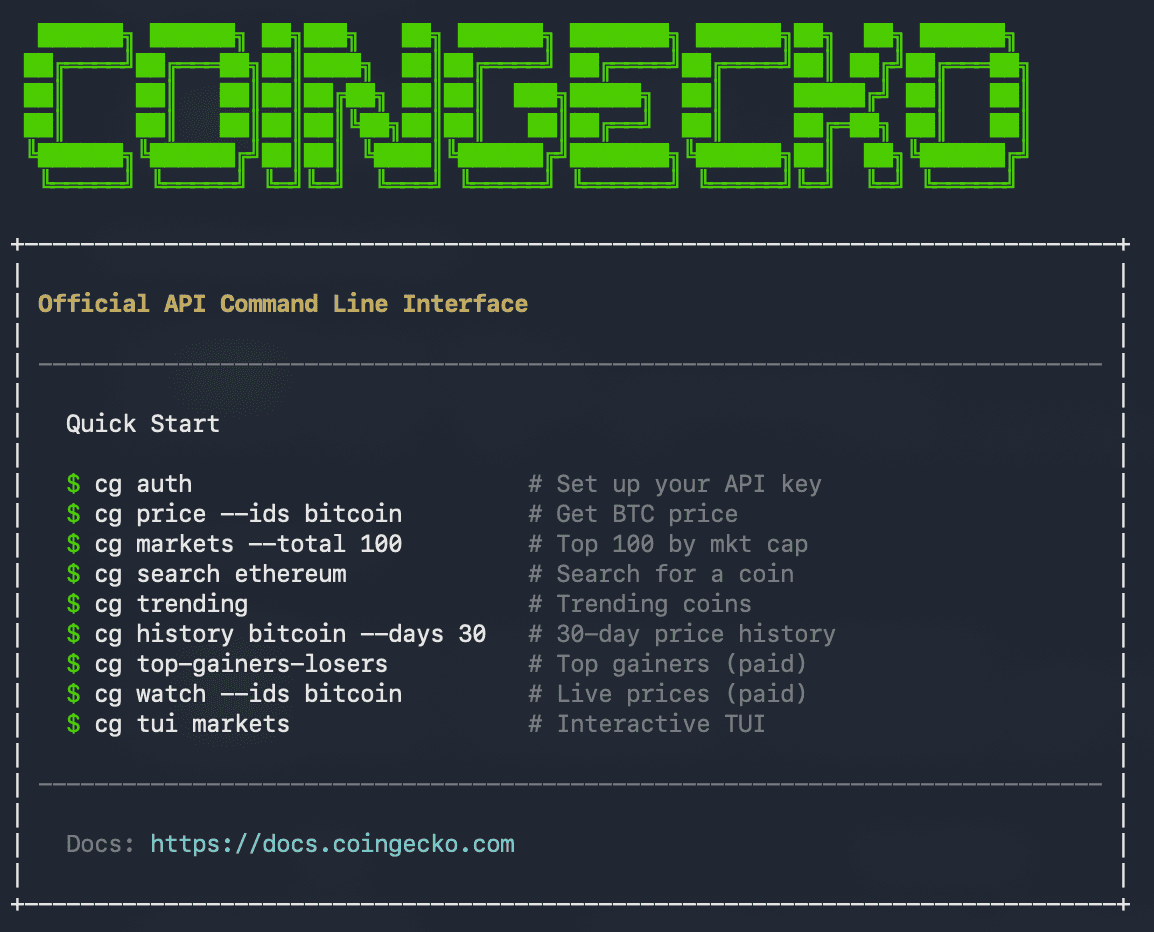
Query real-time and historical crypto prices with a single command. Monitor the crypto market with Coingecko CLI's interactive terminal dashboard — built for developers, analysts and AI agents
Query real-time and historical crypto prices with a single command. Monitor the crypto market with Coingecko CLI's interactive terminal dashboard — built for developers, analysts and AI agents
Trusted by Industry Builders

What's Possible With the Coingecko CLI
What's Possible With the Coingecko CLI
Interactive Terminal Dashboard
View live coin prices, market stats, and 7-day price chart for large-cap and trending coins without leaving your terminal

Powerful Price Lookups
Fetch specific coin prices by ID or ticker symbol, with support for 50+ currencies including fiat, crypto, and gold

Export Crypto Data at Scale
Export Crypto Data at Scale
Download historical datasets to a CSV file in a single command, ready for analysis in Excel, Python, or R

Stream Live Crypto Prices in Your Terminal
Real-time price monitoring. Powered by Coingecko's WebSocket API. Exclusive for Coingecko API Analyst Plan and above.

Track the Entire Crypto Market From the Command Line
Track the Entire Crypto Market From the Command Line

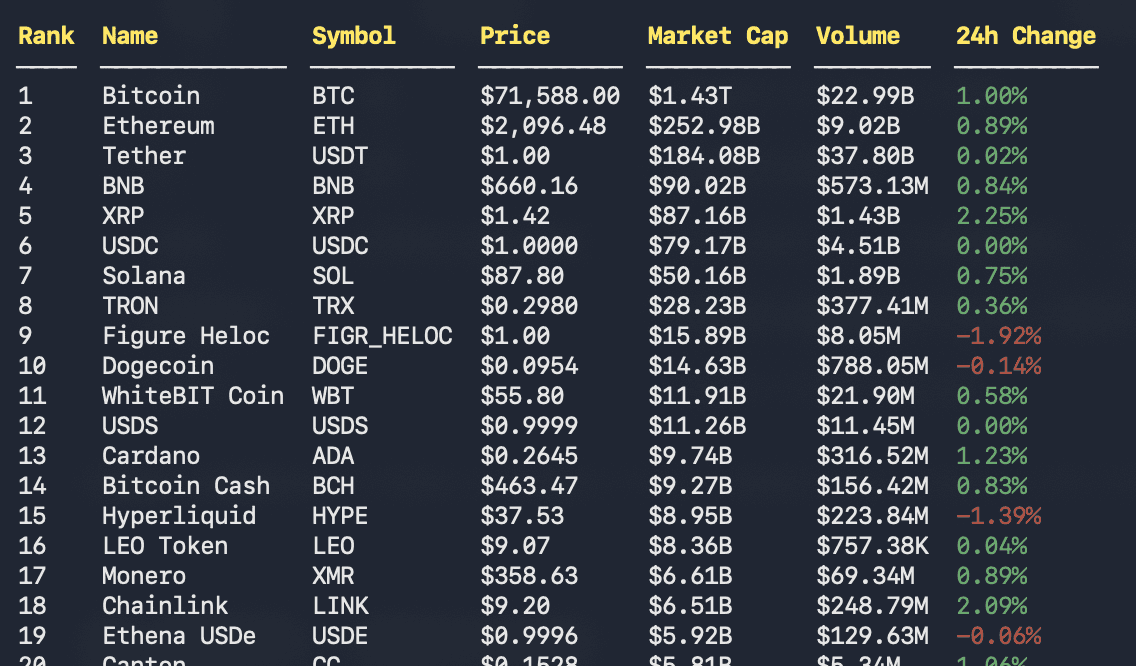
View a list of top coins by market cap. Filter by sectors that matter to you – whether that's tokenized gold, RWA or memecoins
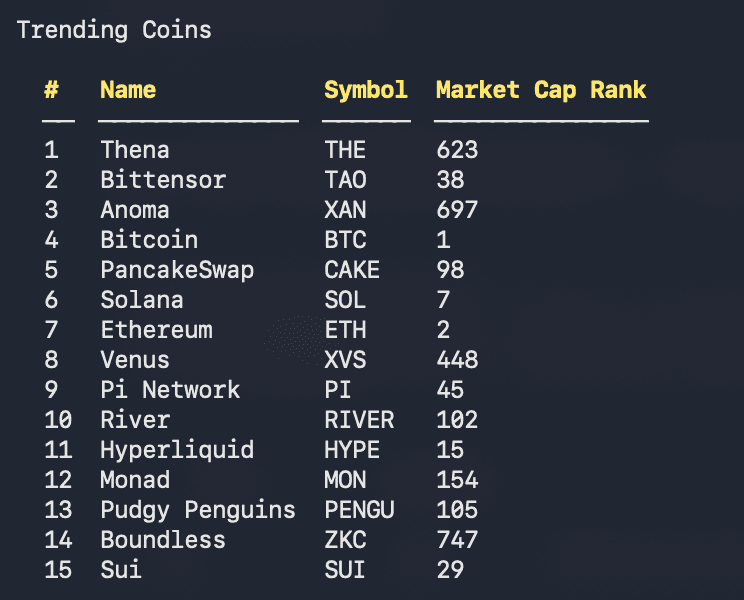
See what's happening in the market today with trending coins, largest gainers and losers.
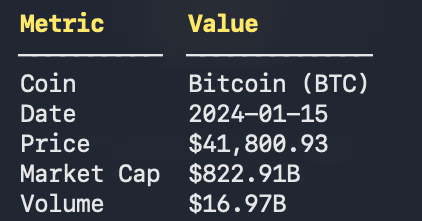
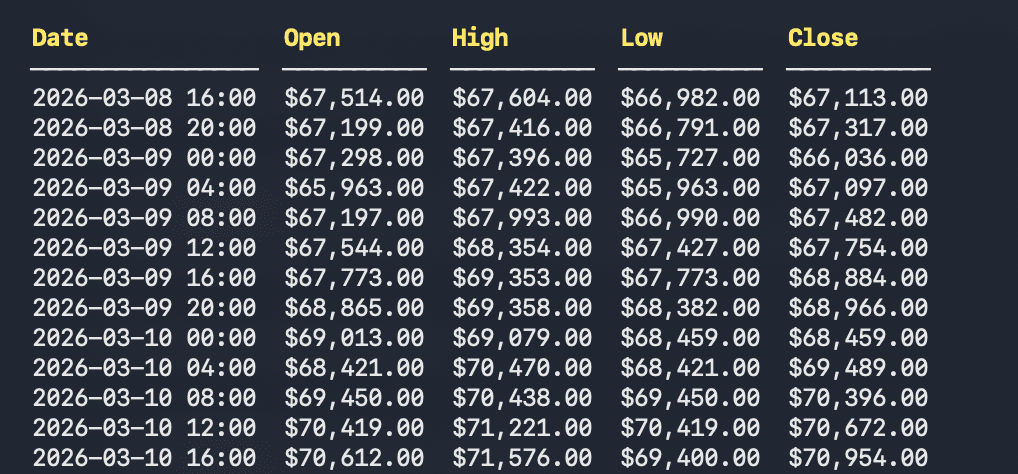
Extensive historical prices and OHLC data for backtesting, charting or research, with customizable timeframes
Loved by the Crypto Community
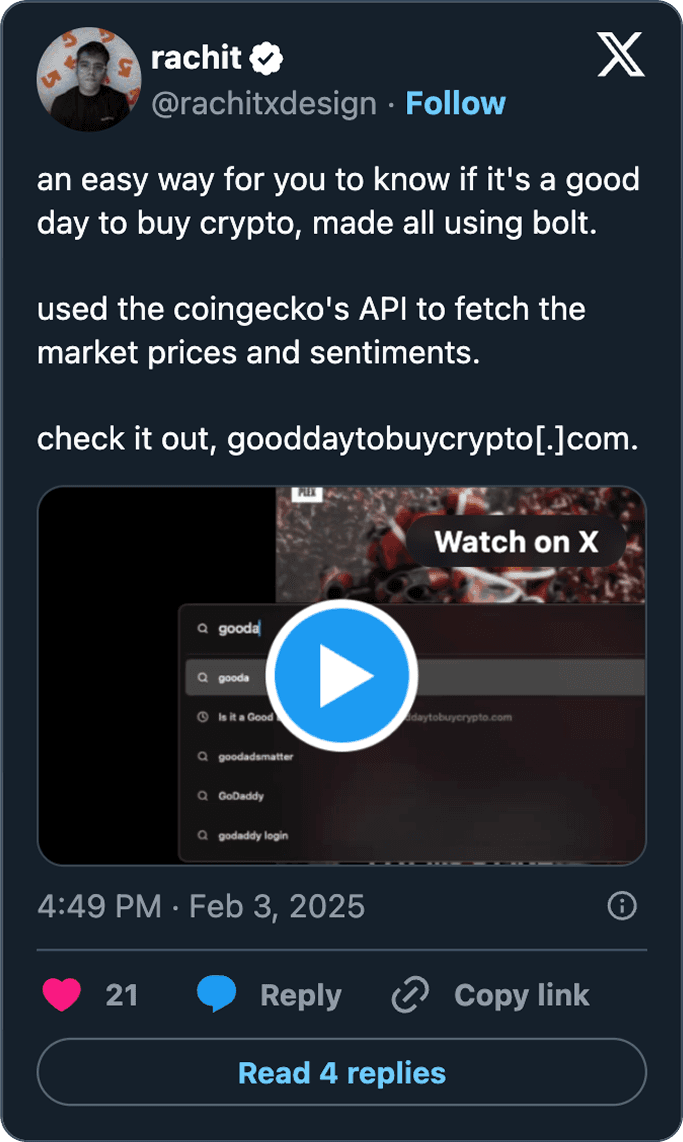

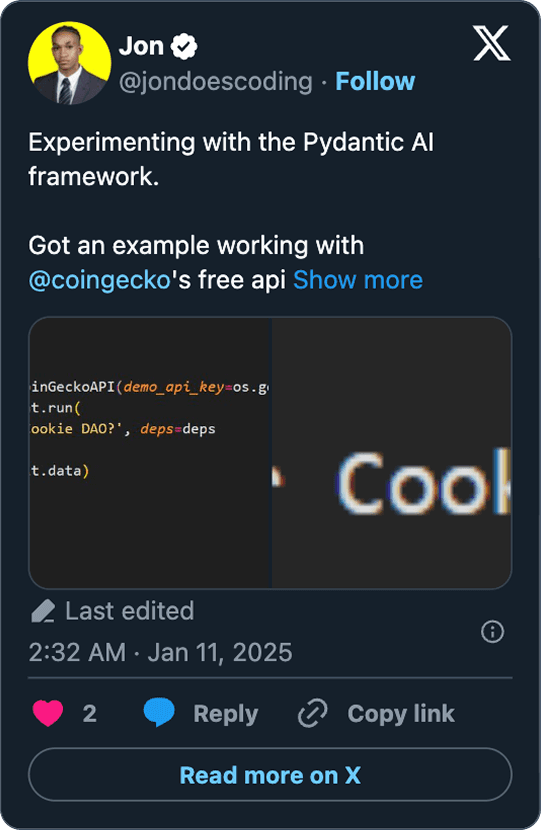
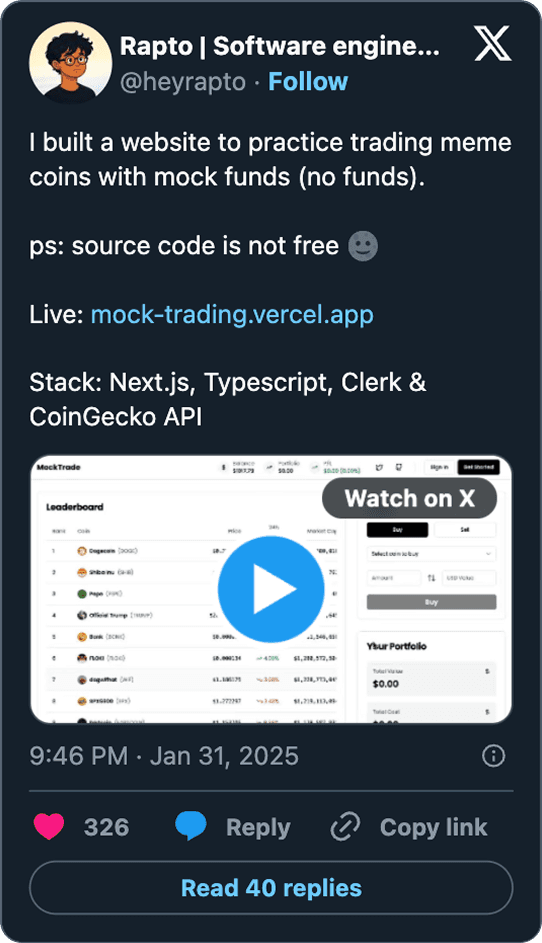
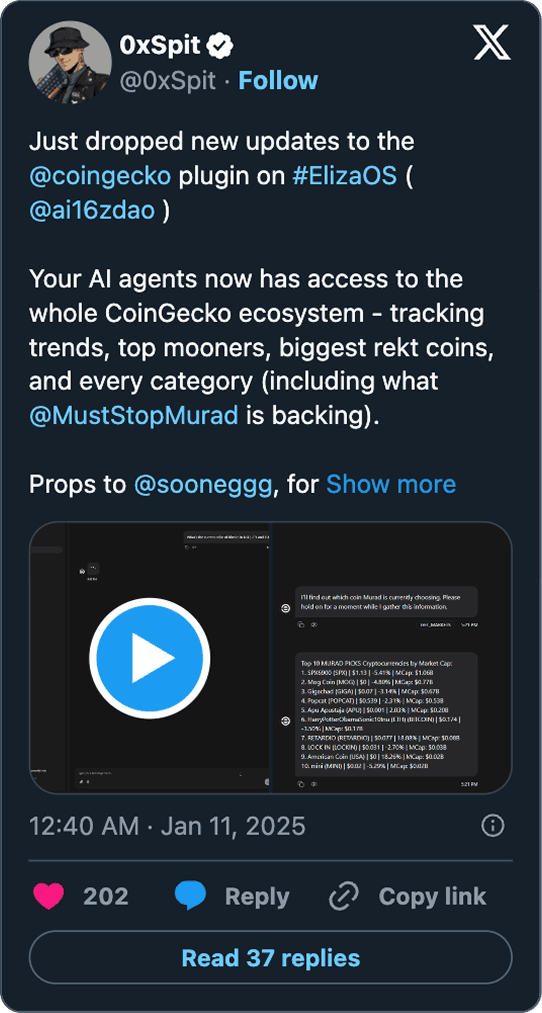
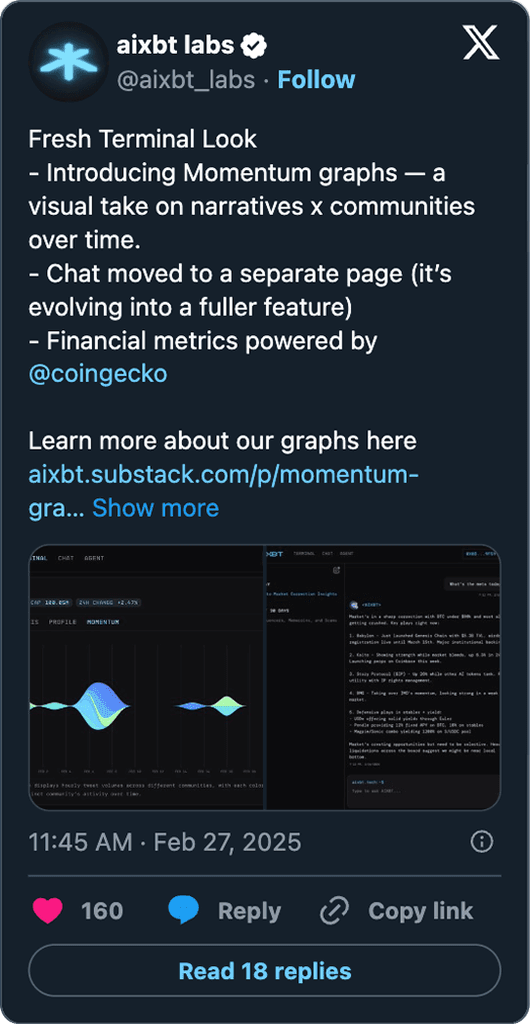
Loved by the Crypto Community
Loved by the Crypto Community

Frequently asked questions
How do I install the Coingecko CLI?
On macOS or Linux, install it with Homebrew:
brew install coingecko/coingecko-cli/cg
You can also install it with npm (npm install -g @coingecko/cg) or the one-line shell script:
curl -sSfL https://raw.githubusercontent.com/coingecko/coingecko-cli/main/install.sh | sh
Go users can run go install github.com/coingecko/coingecko-cli@latest. This installs the binary as coingecko-cli, so add an alias or symlink to cg. You can also download a binary from the GitHub Releases page.
Once installed, run cg auth to add your API key.
Do I need a paid API plan to use the Coingecko CLI?
No. With the free Demo plan you can use live prices, markets, search, trending coins, the interactive TUI dashboard, CSV and JSON exports, and agent-friendly output.
A paid plan unlocks more. Basic extends price history to 2 years. Analyst and above add OHLC candles for a custom date range, top gainers and losers, live price streams with cg watch, and full price history with daily data from 2013 and hourly data from 2018. Paid plans also show up to 30 trending coins in the TUI dashboard.
Is the Coingecko CLI suitable for AI agents and LLMs?
Yes. The CLI is built with AI agents in mind. A few features make it agent-friendly:
cg commandslists every command with its API metadata, so an agent can discover what is possible without hardcoded instructions.-o jsonreturns clean, machine-readable data that agents can parse directly. Warnings go to stderr, so stdout stays clean.--dry-runshows the exact API request without running it. This is useful for safe, auditable agent workflows.
If you use AI coding tools like Claude Code, Cursor, Copilot or Gemini, you don’t need to learn the commands yourself. Share the Coingecko CLI GitHub link with your AI tool, ask it to install the CLI, and query the crypto market in plain language.
How is the Coingecko CLI different from the API?
The CLI is built on top of the Coingecko API — a ready-to-use interface that lets you access Coingecko's data without writing a single line of code. Just install, authenticate, and start querying.
Think of the API as the building blocks — it's for those who are building an application, need custom endpoints, or want full programmatic control over how data is fetched and processed. The CLI is the abstraction layer on top of the API, that allows you to query, explore, and export crypto data as fast as possible, directly from your terminal.